
How to Install Let's Encrypt SSL Certificate from cPanel
You will only be able to install Let’s Encrypt SSL Certificates from cPanel if your Hosting Service Provider has already installed Let’s Encrypt in their Server. Here is a step by step guide on How to Install Let’s Encrypt SSL Certificate from cPanel.
Install Let’s Encrypt SSL Certificate:
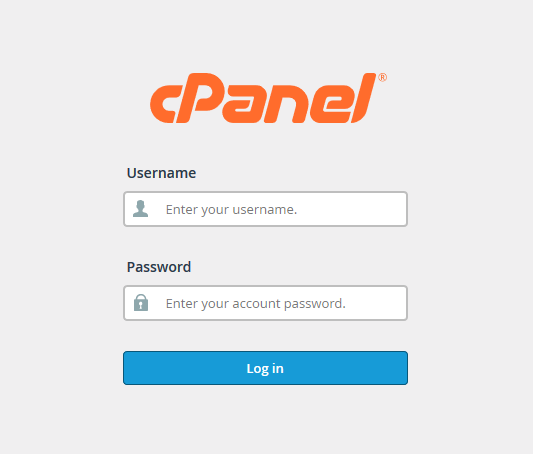 STEP 1: Log into your cPanel account.
 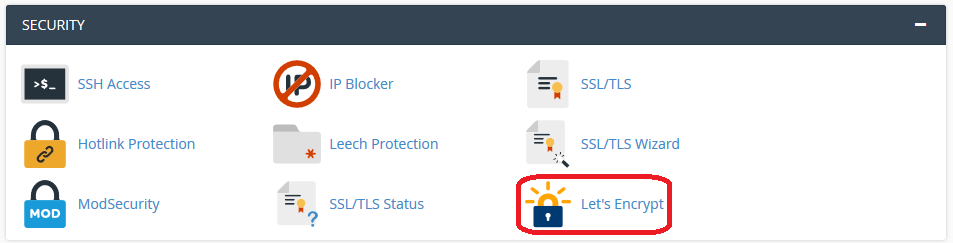 STEP 2: Search for ‘SECURITY’ section & click on ‘Let’s Encrypt’
 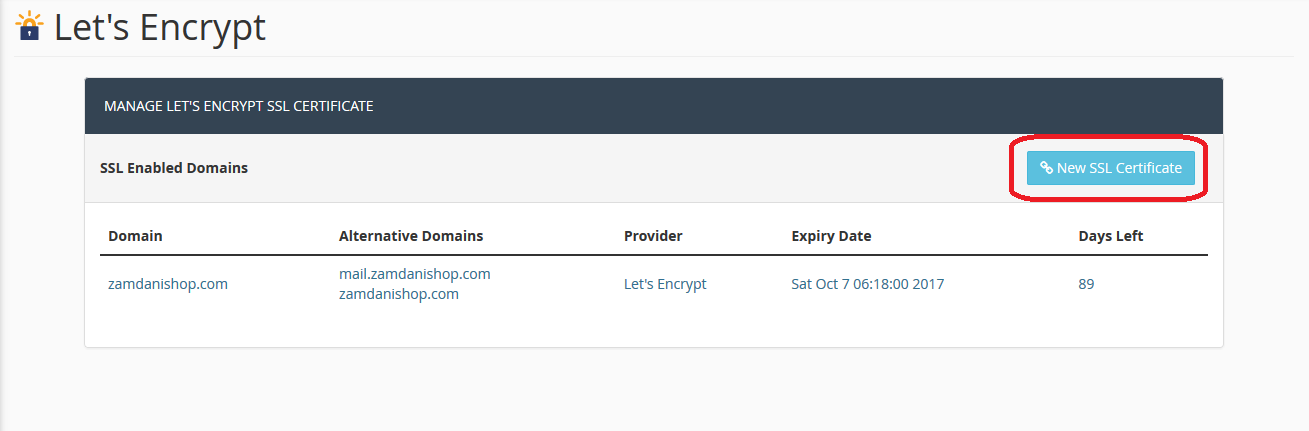 STEP 3: Click on ‘New SSL Certificate’ button.
 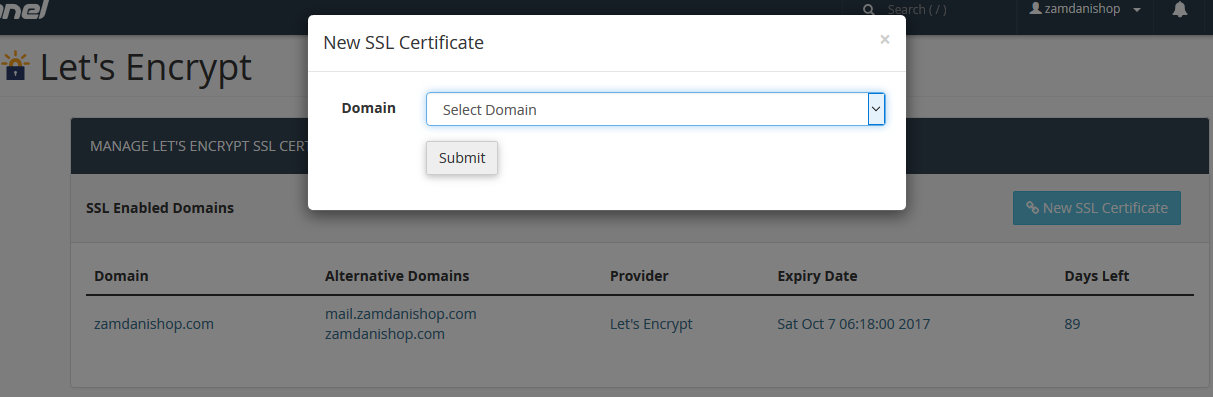 STEP 4: Select Domain Name you want to enable SSL for & click on ‘Submit’.
 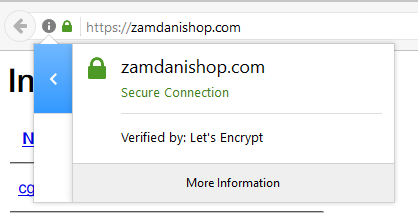 Congratulations, Let’s Encrypt for your SSL has been activated on your website.
We hope this tutorial helps you find the perfect solution. If your like our tutorials, definitely you’ll love our support. All VernalWeb hosting plans include 24/7 support from our amazing inhouse support staff. Check out our web hosting plans and have your website migrated today!
Was this article helpful?