
How to add a Package in Control Web Panel (CWP)?
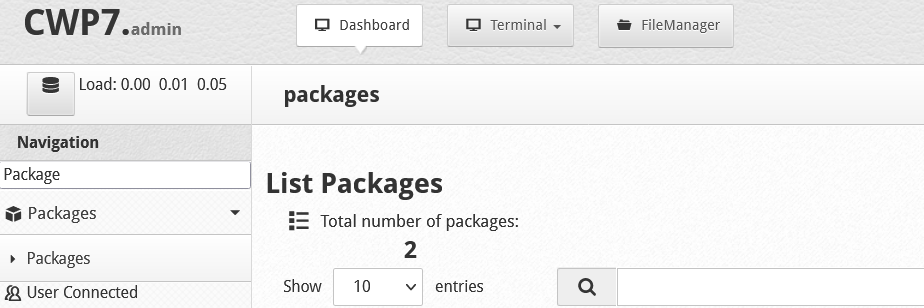
If you want to add a new hosting package in Control Web Panel (CWP), follow these below steps: 1. Login to CWP panel 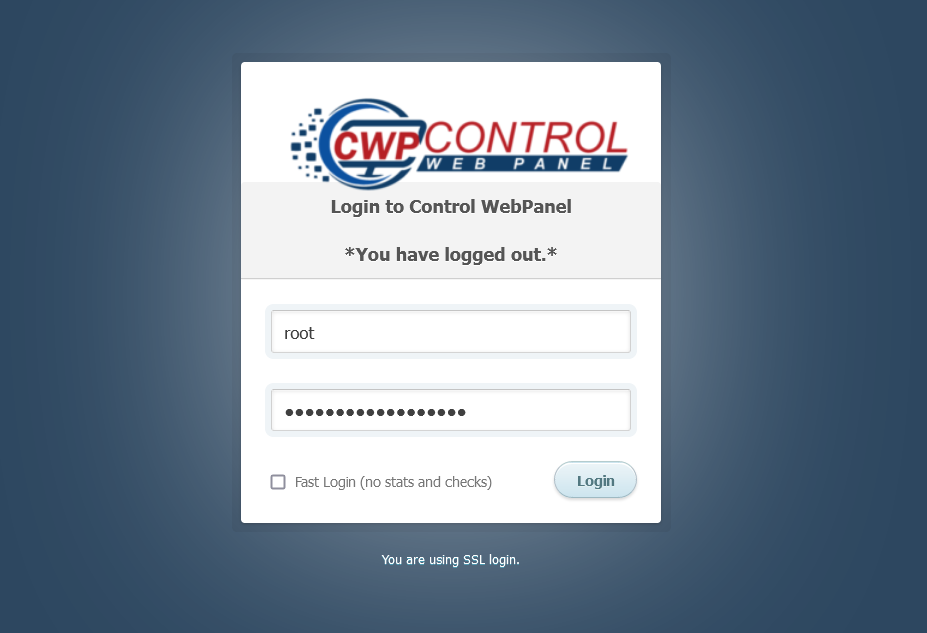 2. In the left menu, click on the Packages option
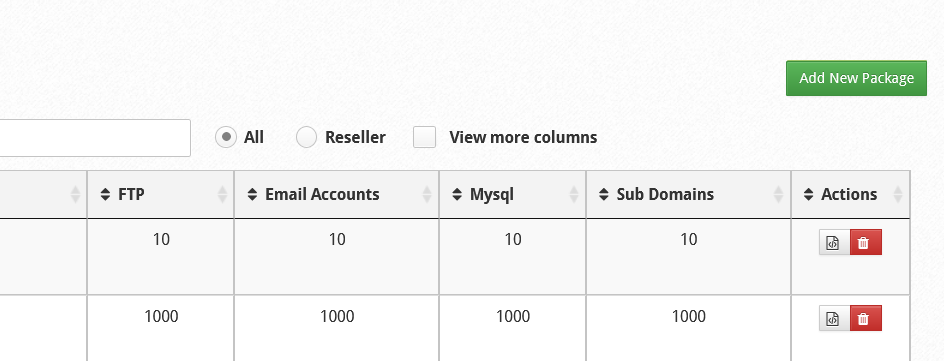
  3. On the top-right corner, click on Add new package
  4. Enter Required Details.
-
- Package Name : Provide Package Name
- Disk Quota : Provide size of Package
- Bandwidth : Required Bandwidth
- FTP : Number of FTP
- Email Accounts : Number of Email Account
- Email Lists : Number of mail list
- DB : Add Number of Database
- Sub Domains : Add Number of SubDomains
- Parked Domains : Add Number of Parked Domains
- Addon Domains : Number of Addon Domains
- Hourly Emails : Hourly Email sent list
- Reseller : Tick if this package is for reseller
- Max. Accounts : Set Maximum account a reseller can create
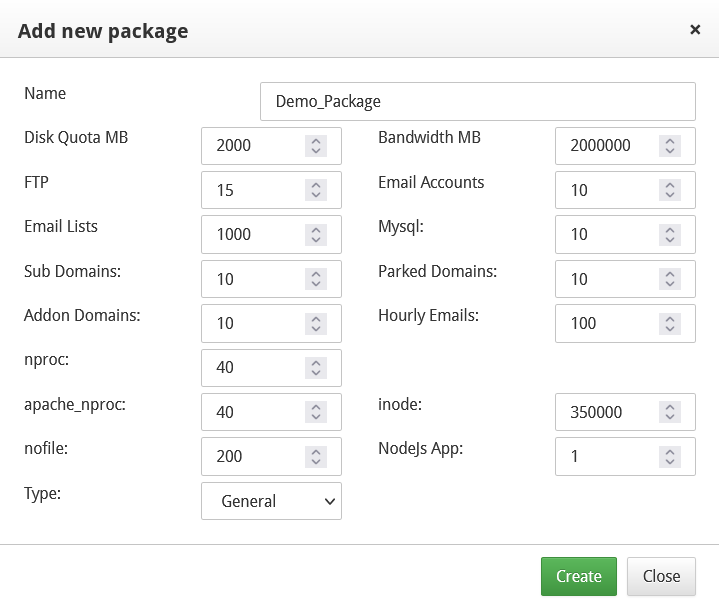 5. Click on the Create button and you are done. Your newly created package will be shown in the package list.
Was this article helpful?